
AI product video
Turn one product photo into a scroll-stopping video
Pick a ready-made video template, add your product photo, and get a short product video for ads, your store or social media. Or write your own prompt with any top video model.
400 free credits when you sign up. No credit card required.
Video templates
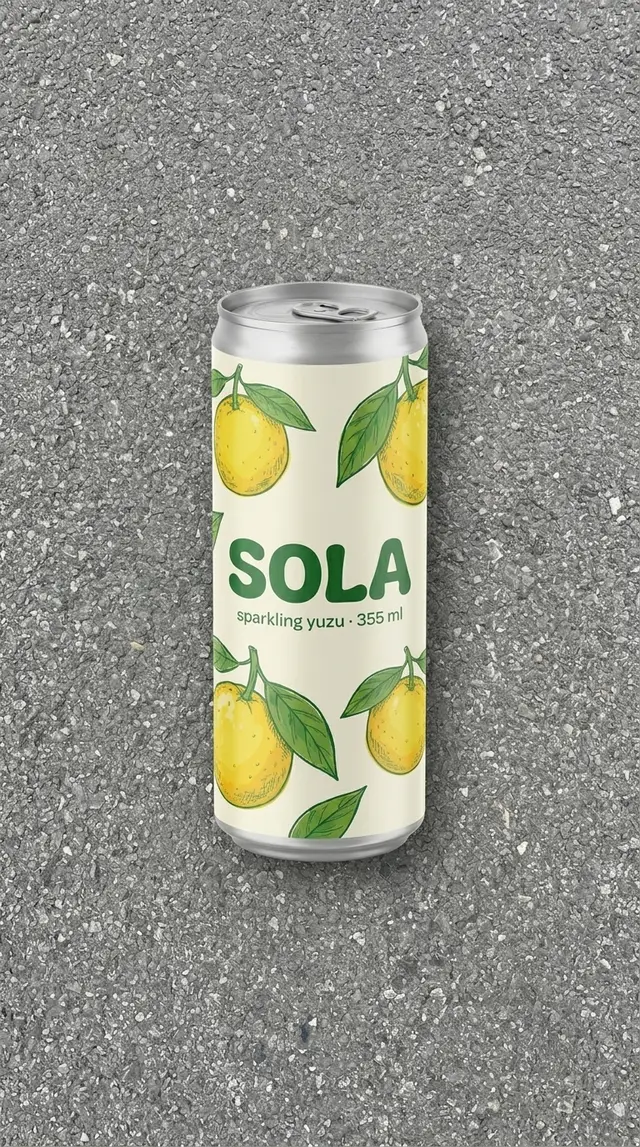
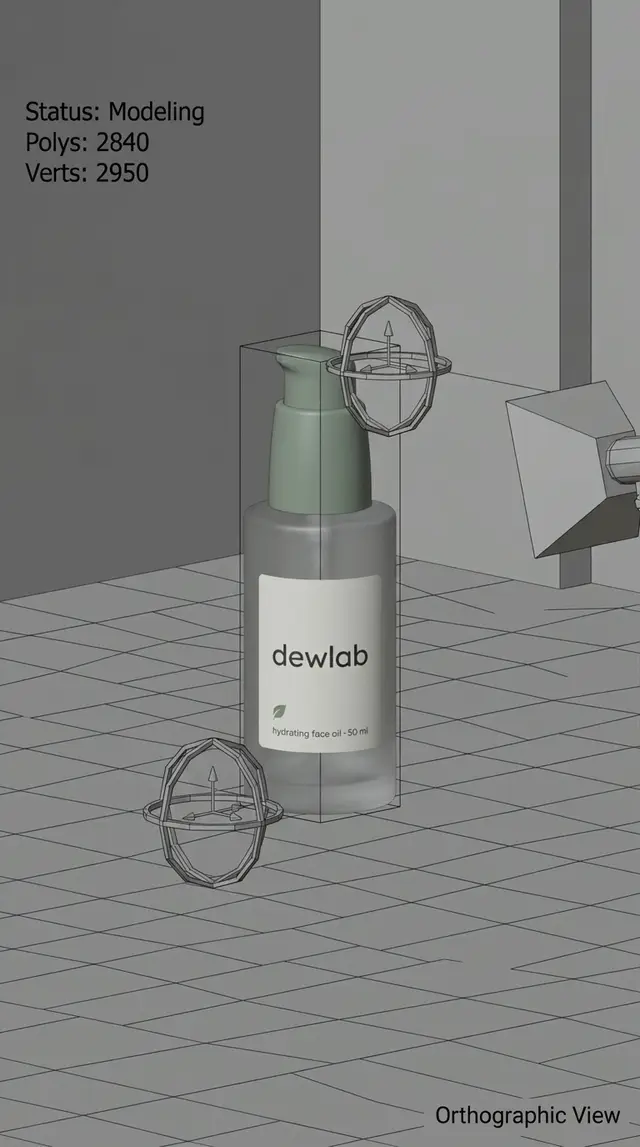
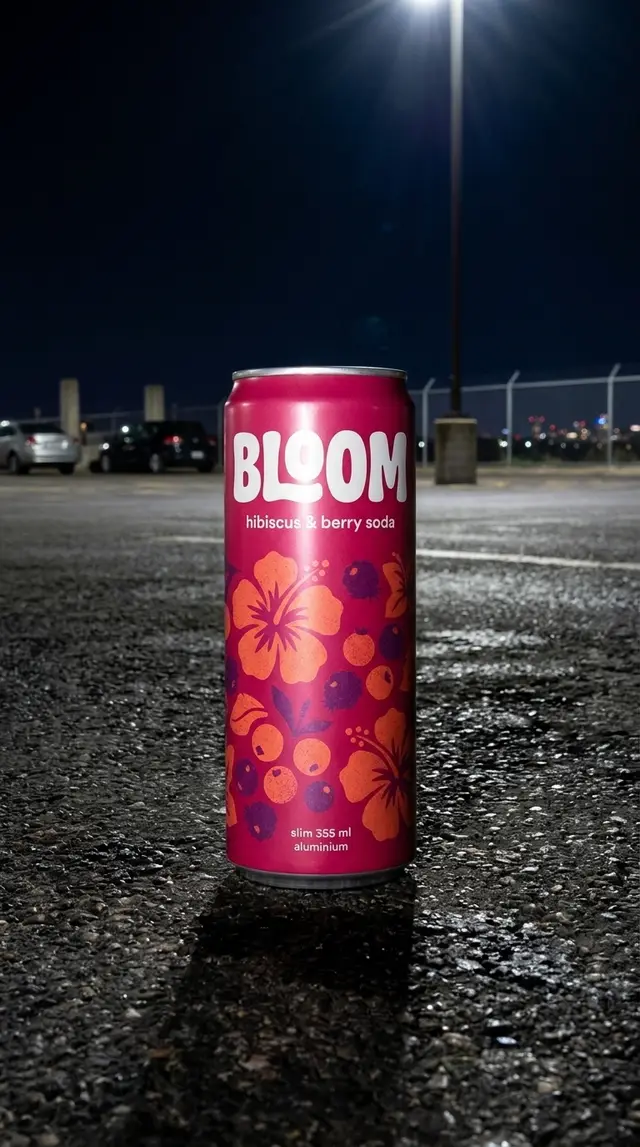
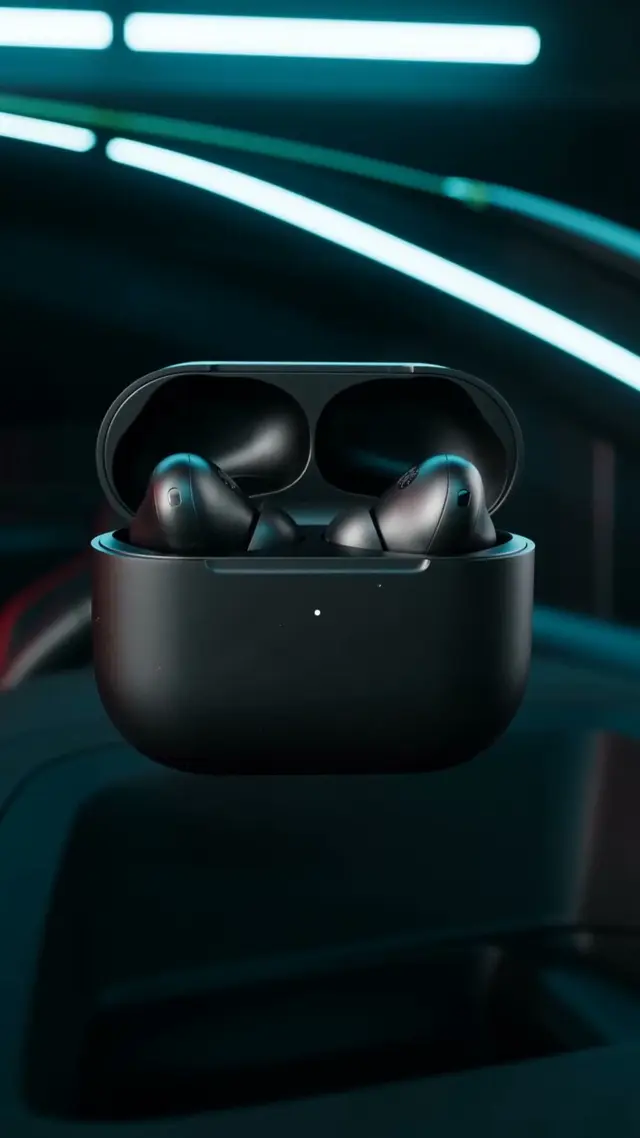
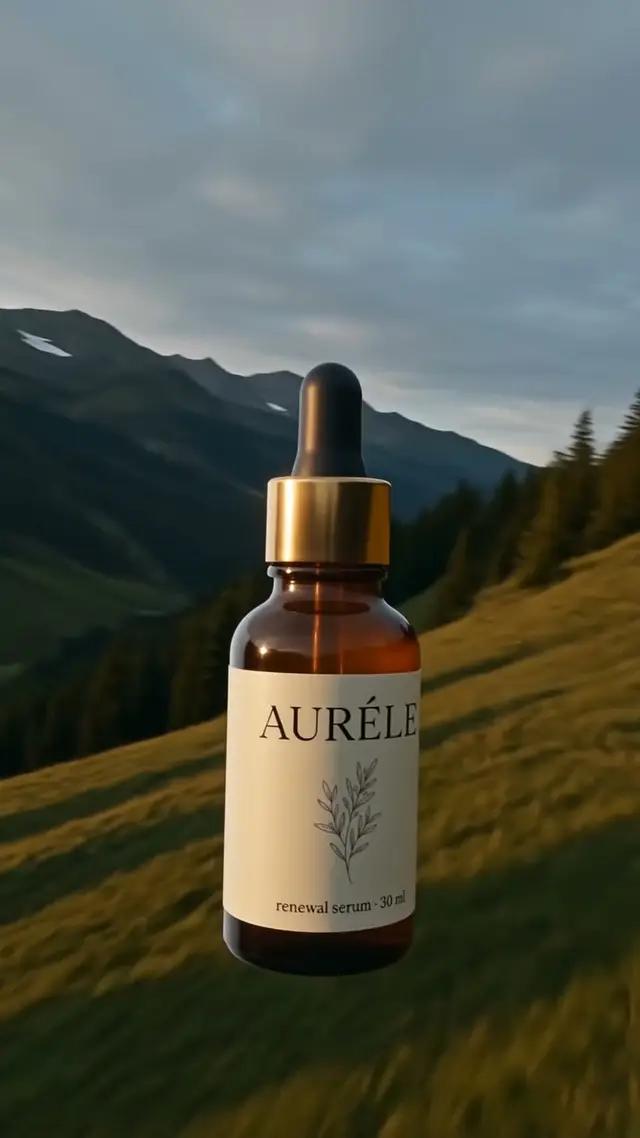
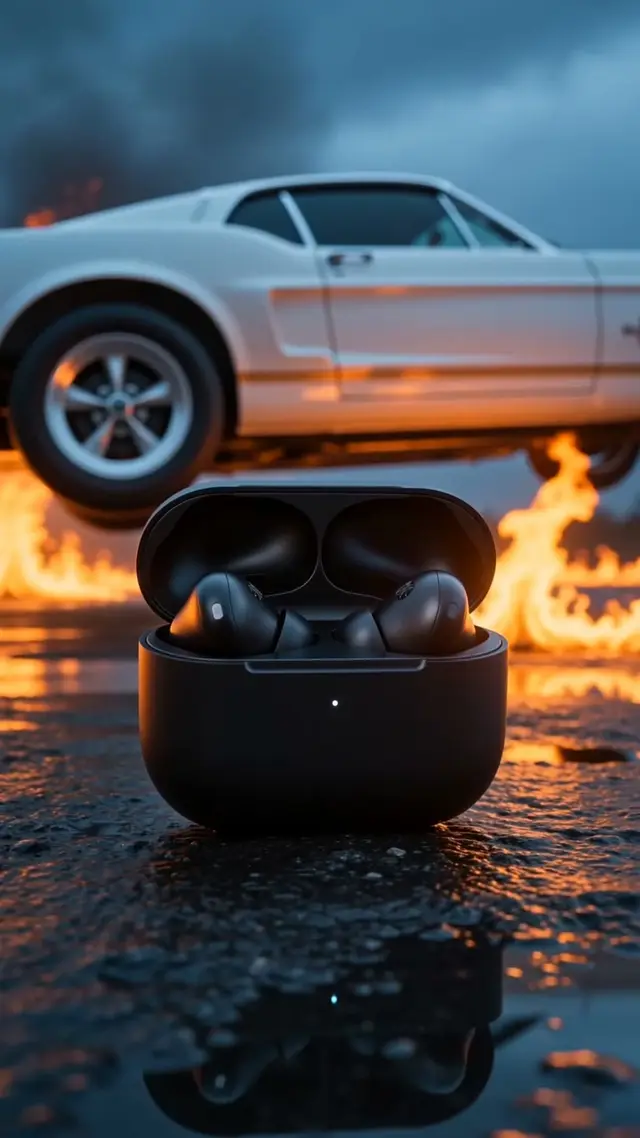
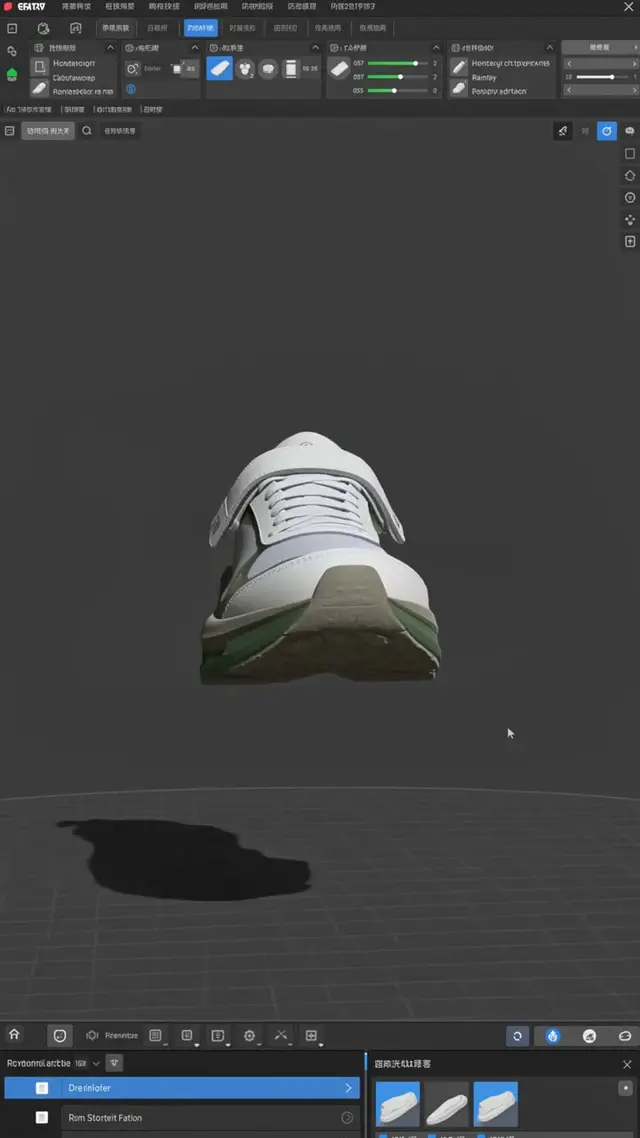
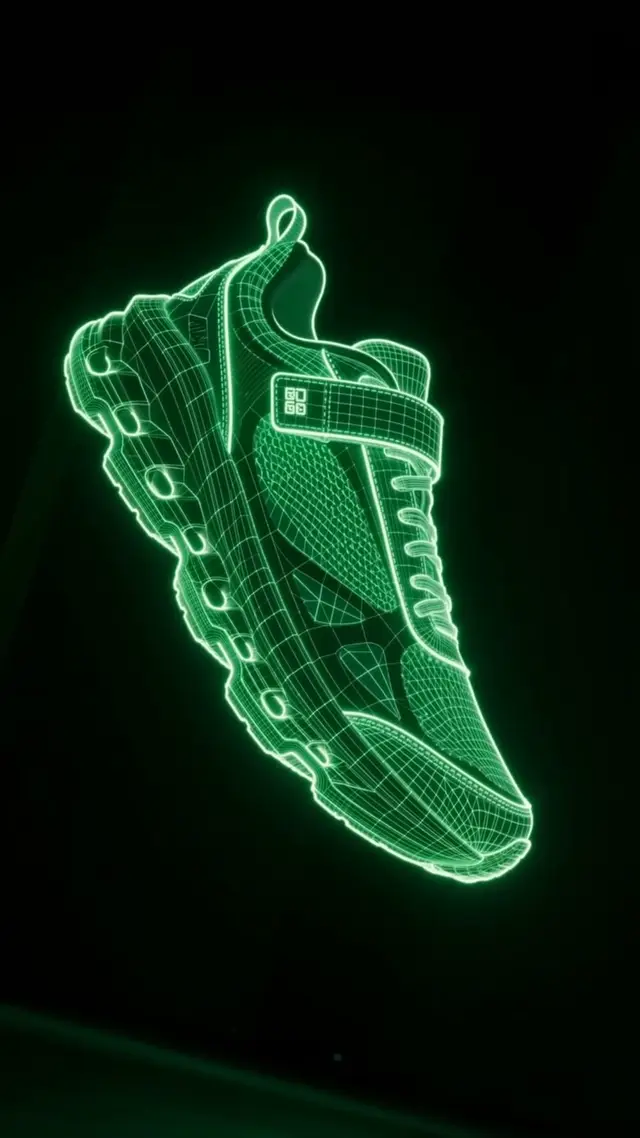
Made on Purple Crow with sample products.
How it works
- 1
Add a product photo
One clear photo of your product is all you need. No filming, no editing software.
- 2
Choose a template
Camera moves, reveals and effects like Bullet Time, Ice Statue or Garden Bloom, each built for products.
- 3
Generate and post
Get a vertical video ready for TikTok, Reels, Shorts and ads. Change the length or quality before you generate.
Why brands use it
- Video ads without a film crew: one product photo becomes a moving scene.
- Templates made for products, so the product stays the hero of the shot.
- Every top video model in one place: switch models without new subscriptions.
- Clear prices on every button, and failed videos refund their credits automatically.
Models you can use
Seedance 2.0 / 2.5, Kling 2.5–4.0, Wan 3.0, MiniMax Hailuo, Runway Gen-4.5, Grok Imagine Video, PixVerse, LTX and more.
Every Generate button shows the price before you spend, and failed generations refund automatically.
Questions
How long are the videos?+
Templates run 5–10 seconds. With your own prompt you can choose the length each model allows, often up to 10–15 seconds or more.
Which format do I get?+
Templates are made vertical (9:16) for social and ads. With your own prompt you can pick other shapes like 16:9 or 1:1 where the model supports them.
Do I need video editing skills?+
No. Pick a template, add your photo and press Generate. The template handles the scene and camera move.
How much does a video cost?+
It depends on the model, length and quality, and the price is shown on the Generate button before you spend. New accounts get free credits to try it.
Make your first product video today
Start with 400 free credits.